New recipient? You approve.
Nothing goes to a new recipient without your approval. Standing approvals cover repeat sends to people you have already approved.
See the safeguardsYou clear the exact revision
Waiting for your approval · Version 2
Give AI teammates a name, a job and a boundary. Nothing goes to a new recipient without your approval. Standing approvals cover repeat sends to people you have already approved.


Through their official MCP servers, once an administrator connects them. Google connections are not offered at this stage.
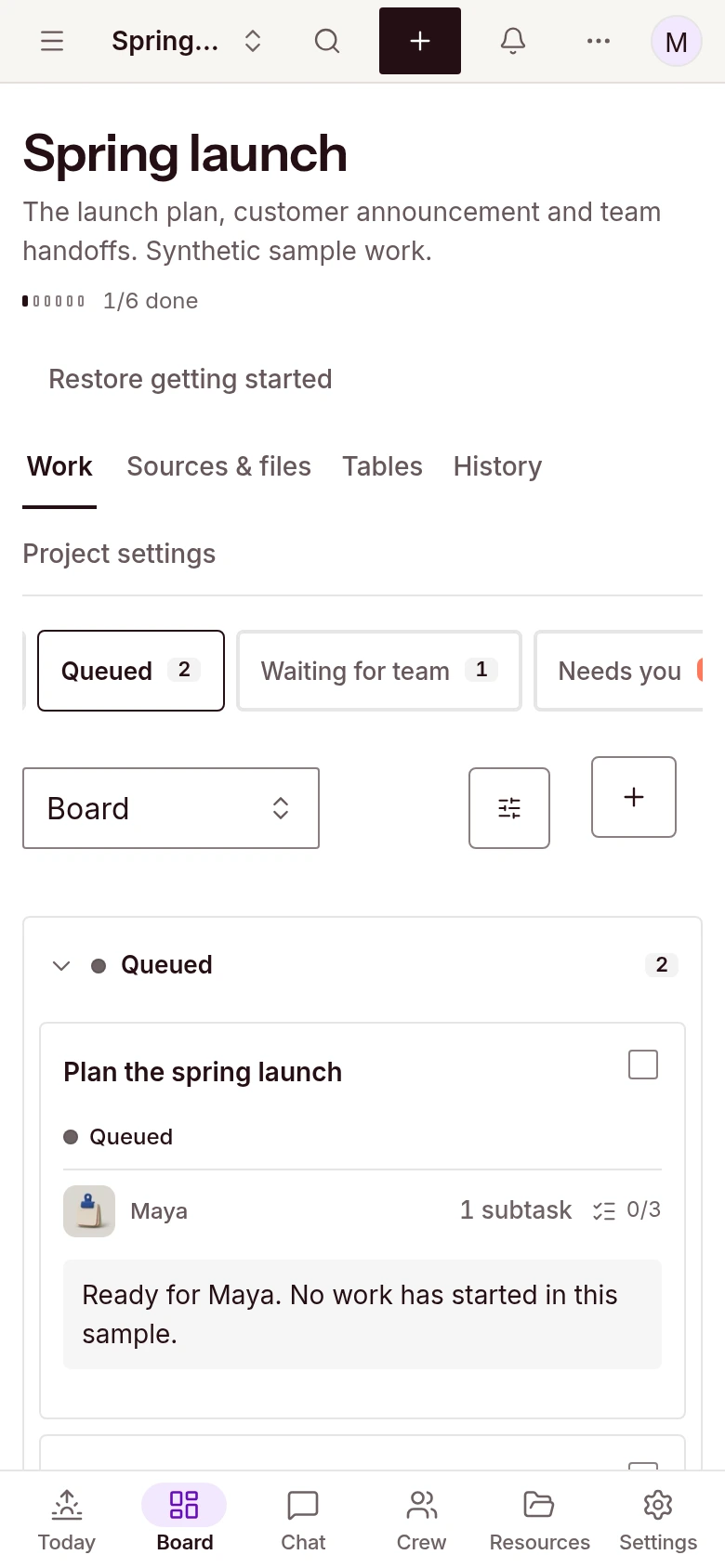
Five screenshots of the Krewmi workspace, in order. The account and its work are synthetic sample data.
Read the product guideUse cases
Pick a request. Watch it become a task, a draft and a revision waiting for you.
“Maya, can you plan the spring launch for 14 April?”
See how a request becomes a taskMaya · Team coordinatorOn it. I made TSK-04 and split it into three steps.


Spring launch plan
Plan · Version 3
Waiting for your approval · Version 3
“Alex, reply to Dana about the delayed order. Keep it warm.”
See how approvals workAlex · Communications specialistDrafted from the order thread. Version 2 is ready for you.


Re: your order
Email draft · Version 2
Waiting for your approval · Version 2
“Turn this month’s numbers into the investor update deck.”
Read what agents can doInvestor relations lead · Starter templateBuilding it from the metrics table. I’ll flag anything I can’t source.


March investor update
Presentation · Version 1
Waiting for your approval · Version 1
“Set up interviews with the two designer finalists next week.”
Meet the starter crewHiring coordinator · Starter templateI picked three slots from the availability you shared. The invites are drafted.


Interview slots
Draft · Version 1
Waiting for your approval · Version 1
“Every Monday, sum up what moved and what’s stuck.”
See how pilot usage worksChief of staff · Starter templateRoutine set for Monday mornings. Here is this week’s review.


Week 12 review
Routine · Version 1
Waiting for your approval · Version 1
A new workspace can start with these three, or you write your own.
ExampleTeam coordinator
Communications specialist
Presentation specialist
Nothing goes to a new recipient without your approval. Standing approvals cover repeat sends to people you have already approved.
See the safeguardsYou clear the exact revision
Waiting for your approval · Version 2
A name, a job and a boundary.
Meet the starter crewAsk in the team chat. The request becomes a task with an owner.
See a request become a taskA send to a new recipient waits for you.
Read when a person steps inThe approved revision stays on the task.
See the delivered workIntegrations
Through their official MCP servers, once an administrator connects them. Google connections are not offered at this stage.
Explore connectionsSafeguards
Access follows the project. Keys are write-only. This is the boundary every coworker works inside.
Connected actions recheck the project grants, selected sources and usage budgets before proceeding.
Shared files stay closed to everyone, coworkers included, until a malware scan reports them clean. Then only the project’s people and granted coworkers can open them.
Read the details: Privacy notice (draft)Terms of service (draft)
Who is doing what, what needs you, and what was actually delivered, in one workspace.
Private pilot on invitation